 WakeUpNow
Out of bed to turn it off.
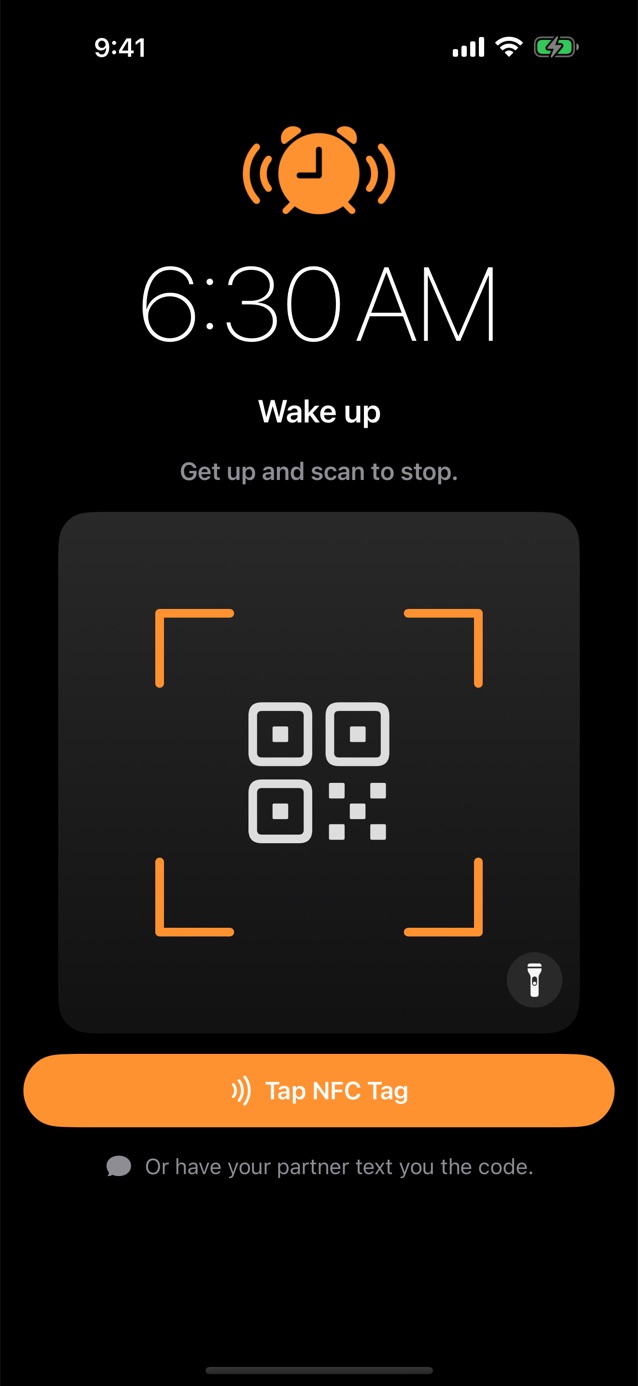
WakeUpNow only stops when you scan a QR code, tap an NFC tag, or get a text from someone you trust. Put the code downstairs and the hard part of the morning is done before you're awake enough to argue.
Pick how your alarm stops.
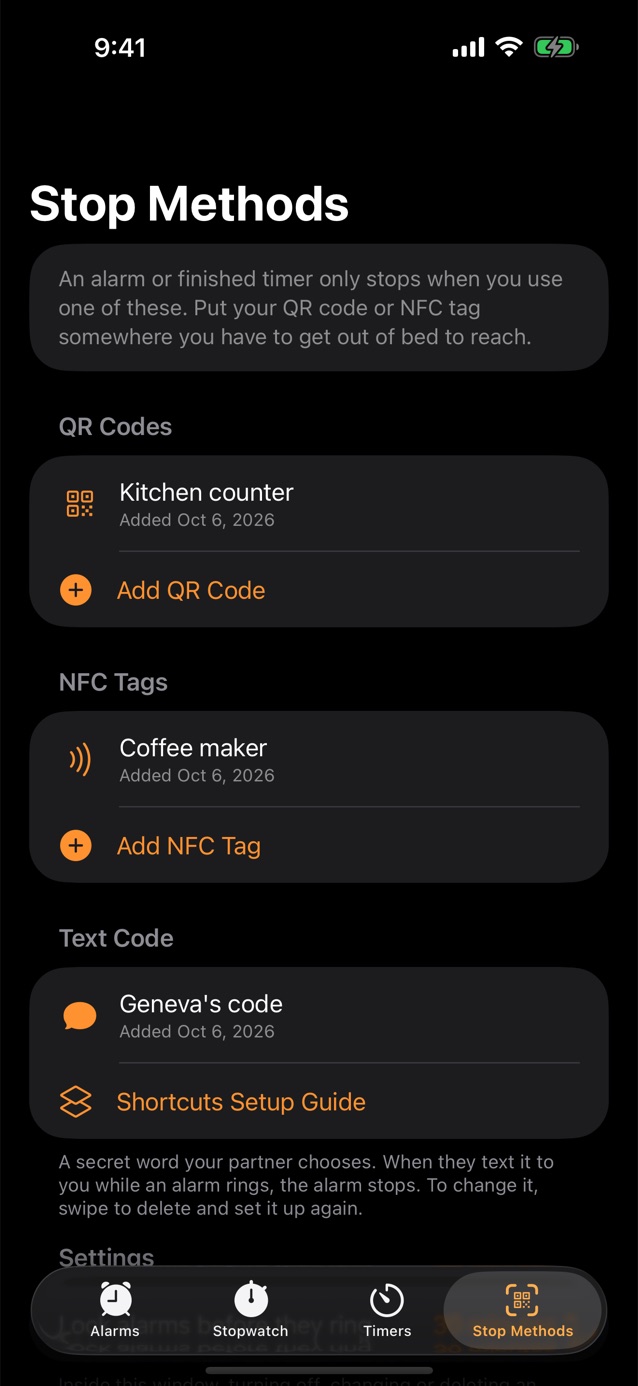
Set up one method or all three. When the alarm rings, nothing else turns it off.
Scan a QR code
Print a code from the app, tape it somewhere you have to walk to, and scan it to stop the alarm. Any barcode works too, even the one on your coffee bag.
Tap an NFC tag
Stick an inexpensive NFC tag by the coffee maker or the front door. Holding your iPhone near it stops the alarm.
Get a text with a secret code
Your partner chooses a secret word. When they text it to you while the alarm rings, it stops. A Shortcuts automation passes their messages to the app.
Hard to cheat
Sliding to stop, closing the app or turning the volume down only quiets it for a few seconds. It keeps coming back until you scan.
Locked before it rings
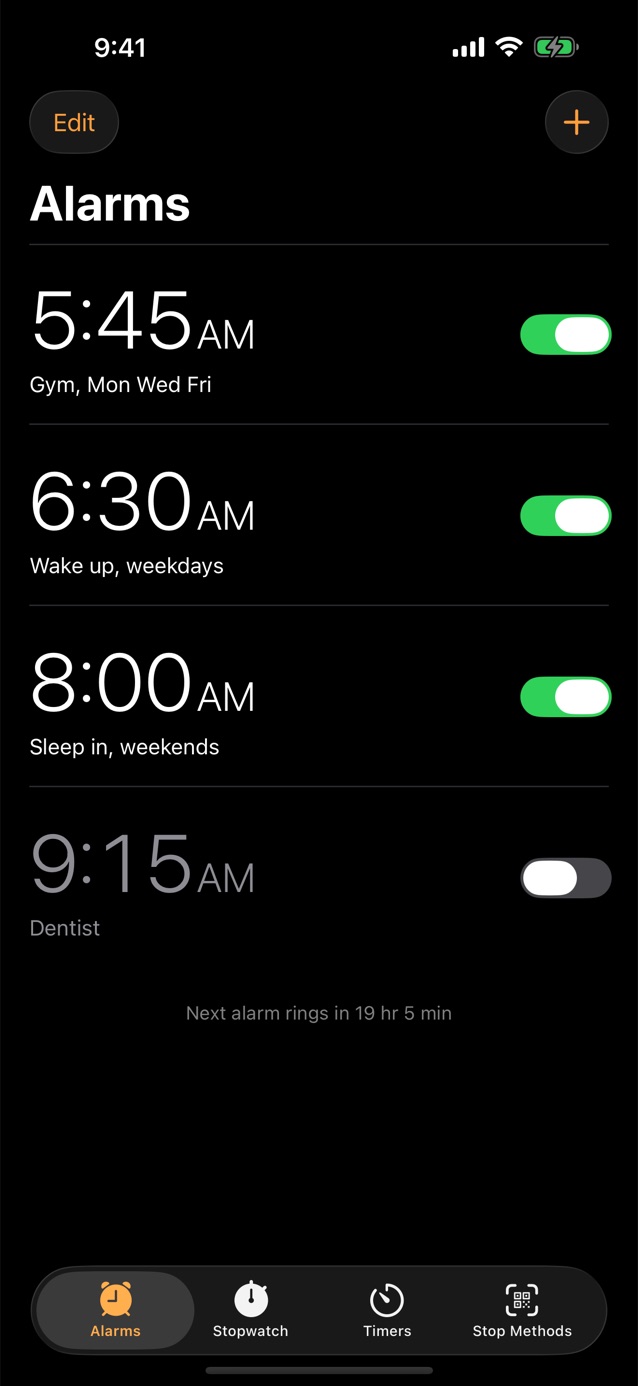
In the 30 minutes before an alarm, turning it off or changing it needs a scan too, so you can't switch it off half asleep.
The rest of the Clock app
Timers that ring the same way, and a stopwatch with laps. It looks and feels like the Clock app you already know.
Honest answers.
Can I still turn it off without scanning?
Powering your phone off or deleting the app will silence it. iPhone always allows those. Everything else, like sliding to stop, closing the app, or the volume buttons, only quiets it for a few seconds.
Does it work when my phone is locked or on silent?
Yes. WakeUpNow uses iPhone's built-in alarm system, so alarms ring when the app is closed, the phone is locked, Silent Mode is on, or a Focus is active.
What do I need for NFC?
An iPhone and any NFC sticker (NTAG213, 215 or 216 work well). Nothing is written to the tag. iPads don't have an NFC reader, so on iPad use a QR code or a text code.
What does WakeUpNow collect?
Nothing. There is no account and no tracking, and your alarms and codes never leave your device. Codes are stored only as scrambled fingerprints.
Set it tonight. Get up tomorrow.
WakeUpNow requires iOS or iPadOS 26.1 or later.